
Settings
Everything you set up in the wizard, and a bit more, is under Settings.
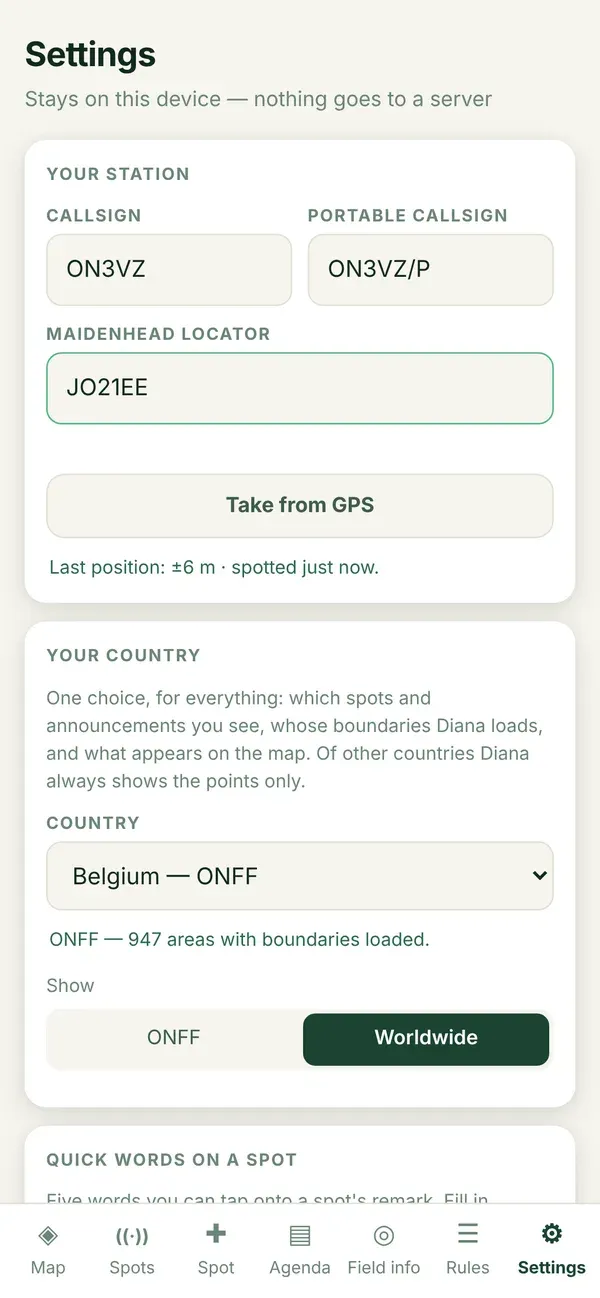
Opening Settings
Section titled “Opening Settings”- Tap Settings in the bottom bar (the gear, all the way to the right).
- Scroll to the part you want to change.
- Change it. Everything is saved at once: there is no save button. You briefly see “Saved on this device”.
What is in it
Section titled “What is in it”| Part | What you set | Page |
|---|---|---|
| Your station | Callsign, portable callsign, locator | Your station |
| Your country | Which country is loaded in detail, and the spots filter | Your country |
| Quick words on a spot | Five words to add with one tap | Quick words on a spot |
| Field info | How far around you the Areas tab looks | Field info distance |
| Band list when announcing | All bands or HF only | Band list when announcing |
| Language | One of eight, or follow the browser | Language |
| Privacy | Privacy page, statistics, clear everything | Privacy and statistics |
| Install as an app | Install on this device | Install on Android |
| At the bottom | Version, updates, what’s new, run the wizard again | Version and updates |